

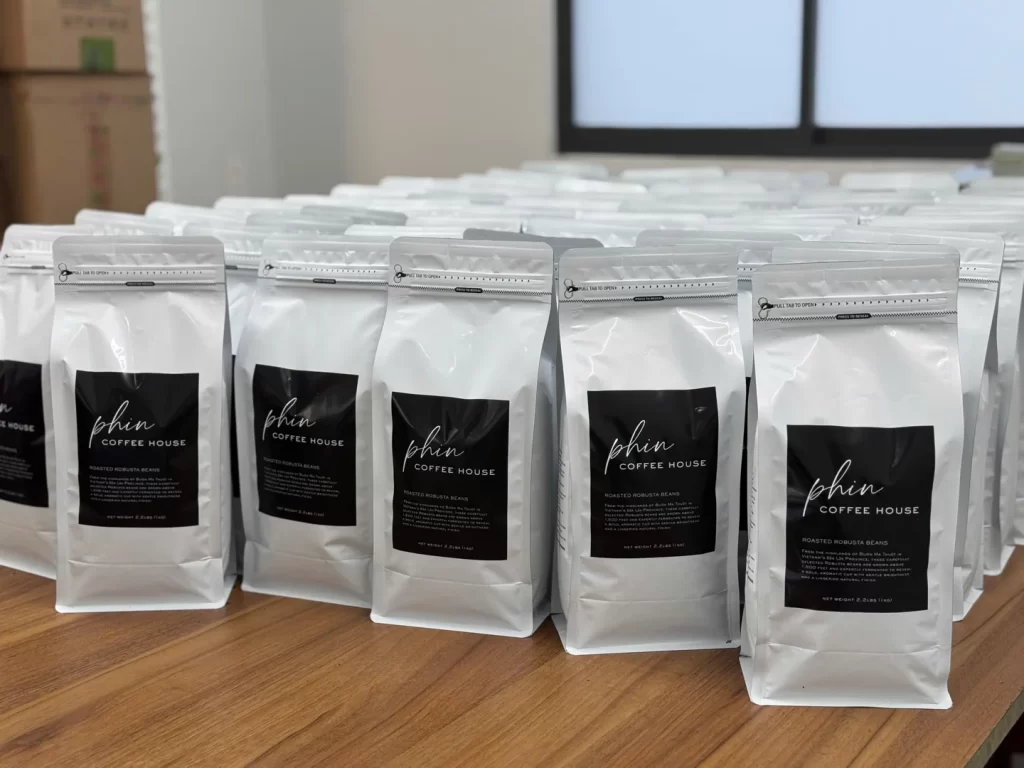
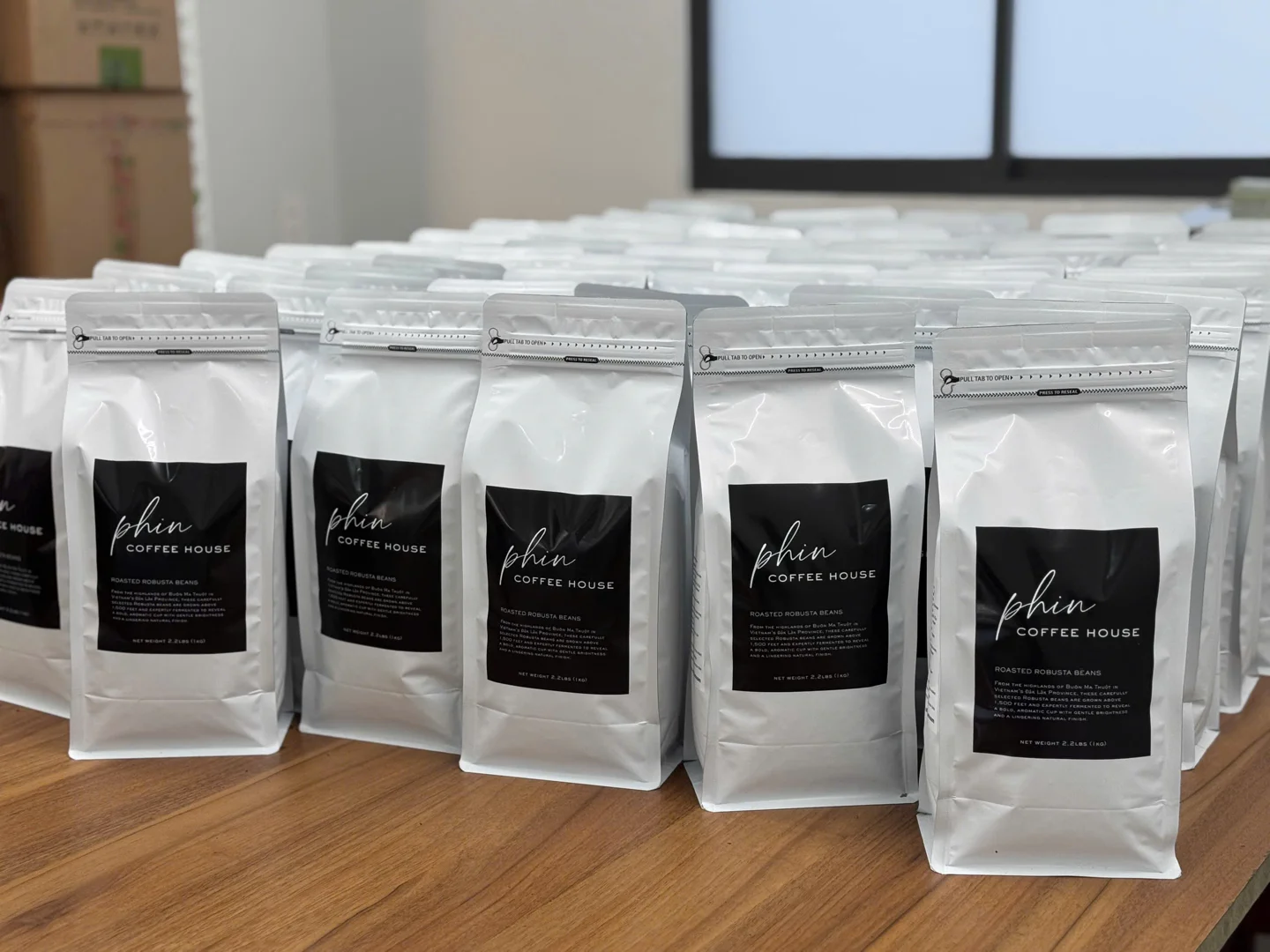
Approving private label coffee packaging connects a brand idea with a physical product. An attractive mockup does not by itself confirm bag dimensions, text accuracy or whether everyone is using the same artwork version. A clear approval file helps the team resolve questions before the project moves into production.
This guide concerns coordination between the brand, designer, packaging supplier and coffee manufacturer. Technical specifications must be agreed with the production provider, and label content must be checked against the product and intended market.
1. Confirm the product configuration first
Record the coffee line, whole-bean or ground format, net weight and number of SKUs. When several products share a design system, keep a list showing how each is identified by name, color or other agreed elements. The designer should not have to infer blend details, flavor descriptions or product facts from a photograph.
Select the bag structure and packing approach before final layout. A stock bag with a label and separately printed packaging require different discussions. Consider how the product will be used, displayed and distributed before treating the design as final.
2. Obtain the correct dieline and production requirements
Request a flat layout for the selected bag, identifying front, back, side panels, folds, seals and areas to avoid. Work on the corresponding template rather than estimating dimensions from a mockup. Mark valves, closures or label positions so the production provider can review them.
Agree file format, font handling, image requirements and color specifications with the printer. Do not apply one bleed or safe-area setting to every bag. Adobe’s print preparation guidance explains the role of bleed and font embedding; the applicable values still need to be confirmed for the printer and packaging structure.
3. Create one master content sheet
Gather approved brand and product names, business details, contact information, descriptions and instructions in one document. Identify who supplies and confirms each section. Review the artwork against this sheet instead of relying on memory or scattered messages.
Check Vietnamese and English content separately. Terms describing whole beans, ground coffee, blends or flavor must match the actual product. Do not add certification logos, detailed origin claims, health benefits or other unsupported promises. This project-content check does not replace a review of labeling requirements for the market where the product will be sold.
4. Separate copy approval from visual approval
Copy review
Read the text at its intended size and check spelling, numbers, units and contact details. Test QR codes and confirm their destination pages. Where product codes or barcodes are used, check the data and readability on a suitable sample before production.
Visual review
Compare the logo, brand colors, information hierarchy and legibility. Review all panels so one side does not retain an outdated version. Ask what the screen mockup, printed proof and physical bag sample can each confirm; they are different kinds of evidence.
5. Review the sample in its intended use
Place the sample on a shelf, handle it and examine it under lighting relevant to the sales environment. Check the product name, weight, opening method and information visible when displayed. For gift sets or multiple products, review the arrangement and included components.
Record what was tested and what the current sample cannot establish. A layout sample should not automatically approve every material or production-color detail. Track unresolved points until they receive a clear confirmation.
6. Lock the approved version
- Product code and artwork version name.
- Approval date, responsible person and file recipient.
- Final file, dieline and master content sheet.
- Reference photographs or samples.
- Approval conditions and any exclusions.
- The process for changes after approval.
Mark subsequent revisions clearly. If net weight, bag structure or important content changes, ask the relevant providers to check the effect on the quotation and schedule.
Prepare a private label coffee project with SpringTime
Explore ODM and private label solutions, then organize your product, packaging and support needs using the B2B/OEM quotation checklist. Contact SpringTime to discuss the configuration and coordination process for your project.